Merge, split and convert PDFs, and convert audio, without uploading anything
Five new file tools on Omikuji Tools. They process files inside your browser: nothing is uploaded, and there is no queue and no size-based pricing.
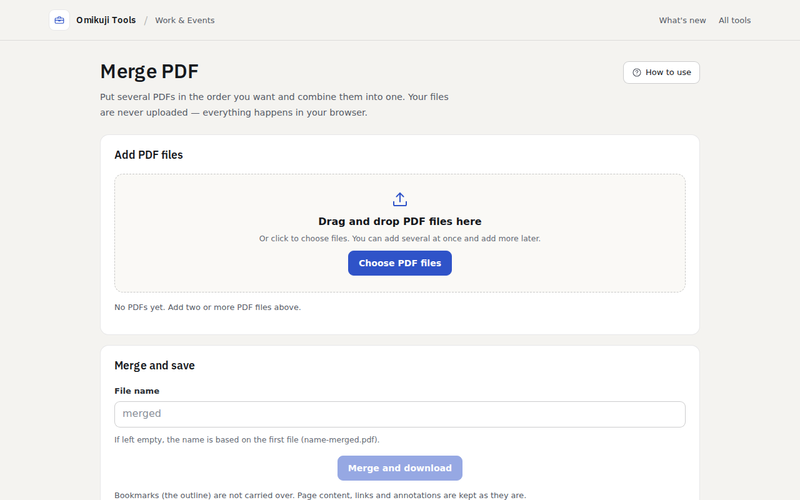
| Tool | What it does |
|---|---|
| Merge PDF | Combine up to 100 PDFs in any order, with page-one thumbnails |
| Split PDF | Extract, delete or split by page ranges such as 1-3, 5, 8-; rotate pages |
| PDF to Image | PNG, JPEG or WebP at 72 to 600 dpi, one file per page or a ZIP |
| Image to PDF | Choose paper size, orientation and margins; JPEGs are embedded without re-encoding |
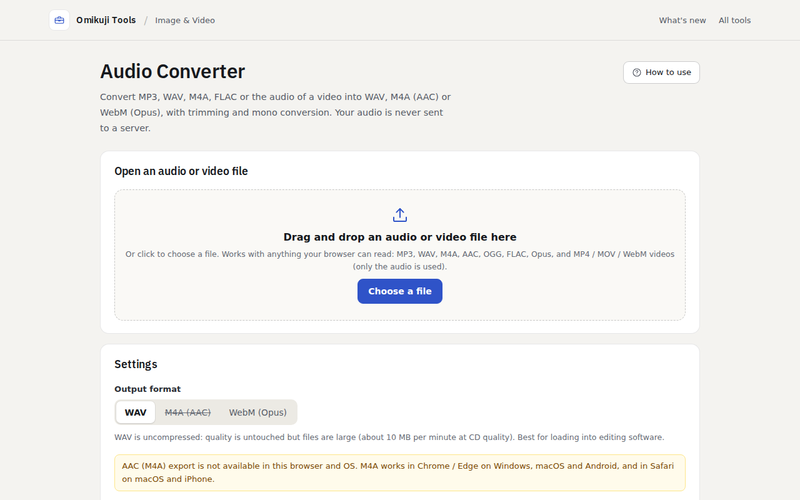
| Audio Converter | Convert to WAV, M4A (AAC) or WebM (Opus); trim, downmix to mono, change sample rate |
A few details worth knowing
- JPEG stays lossless. When you turn photos into a PDF, the JPEG bytes are embedded as they are. Rotation from EXIF is applied on the PDF page, so a phone photo is not re-compressed just to turn it upright.
- Encrypted PDFs are refused with a clear message rather than producing a broken file.
- Very large renders shrink gracefully. Rendering an A4 page at 600 dpi exceeds the canvas limit on iPhones; the tool halves the resolution until it fits and tells you.
- AAC depends on your OS. The audio converter checks at startup which encoders your browser has (Linux builds of Chrome and Firefox have no AAC) and greys out what is not available. There is no MP3 output: every browser-side MP3 encoder I found is LAME-derived, and I am not comfortable shipping that.
- No PDF compression tool, on purpose. It cannot be done reliably in the browser without degrading images, so I would rather not offer it.


Comments
Post a Comment